
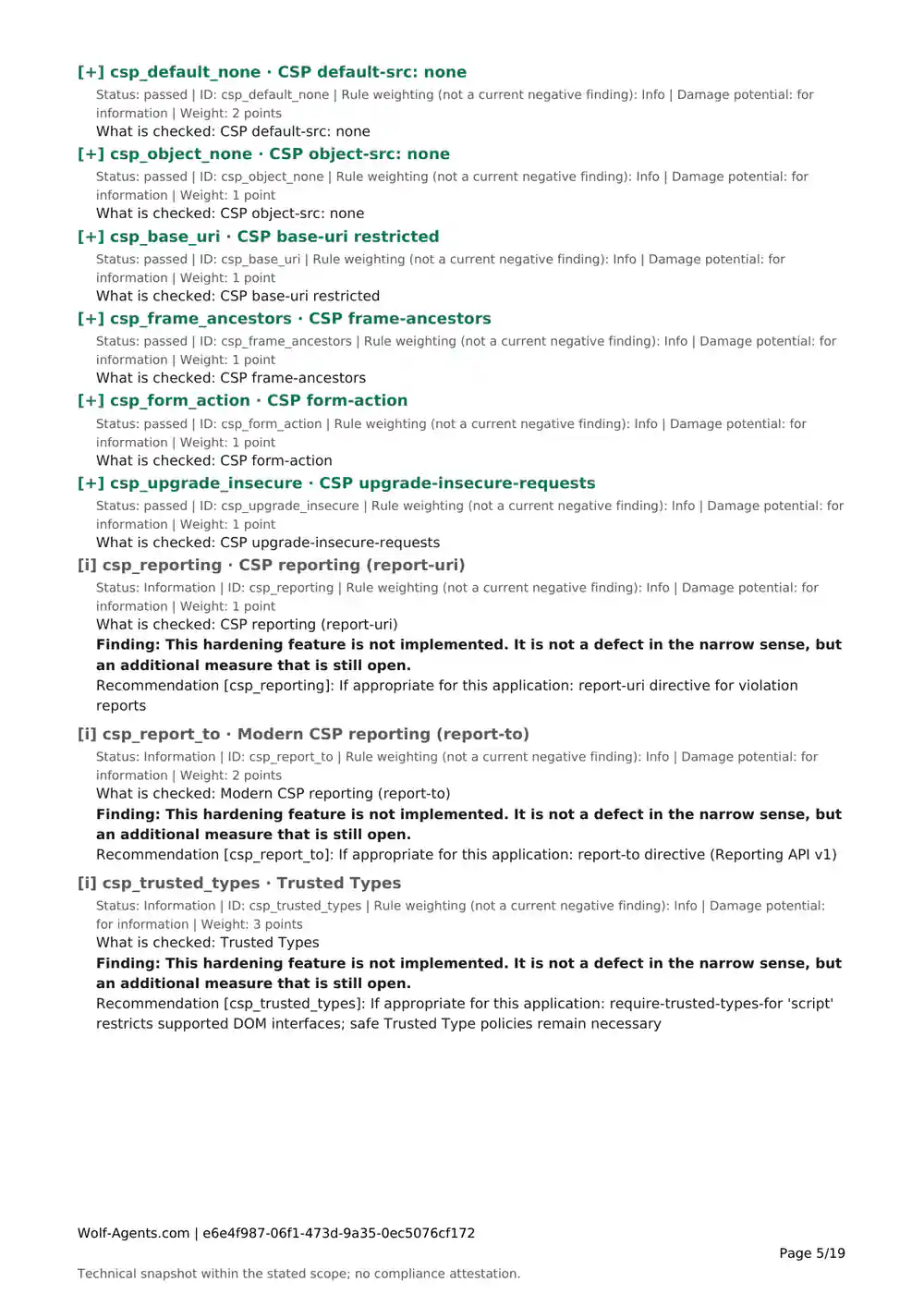
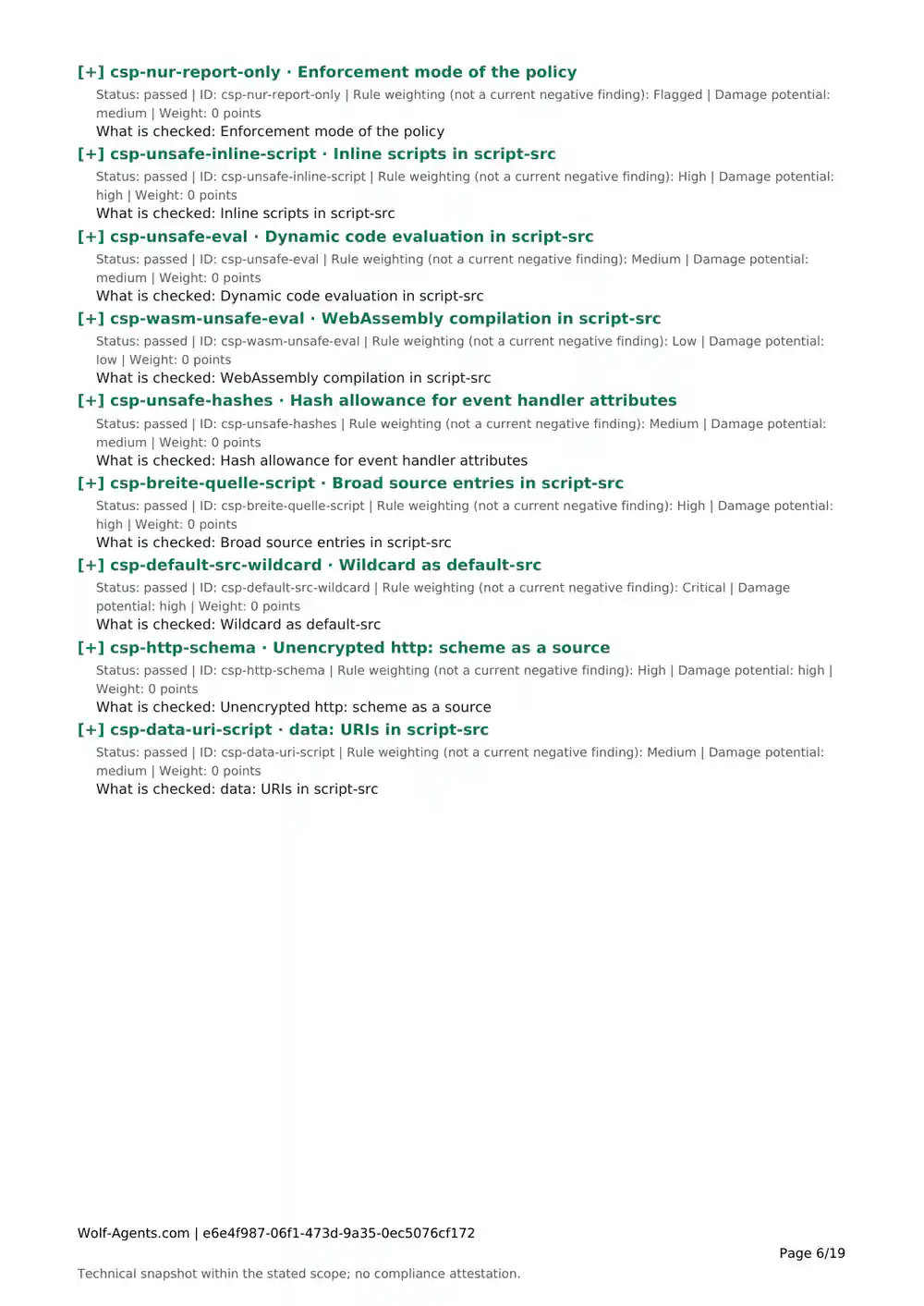
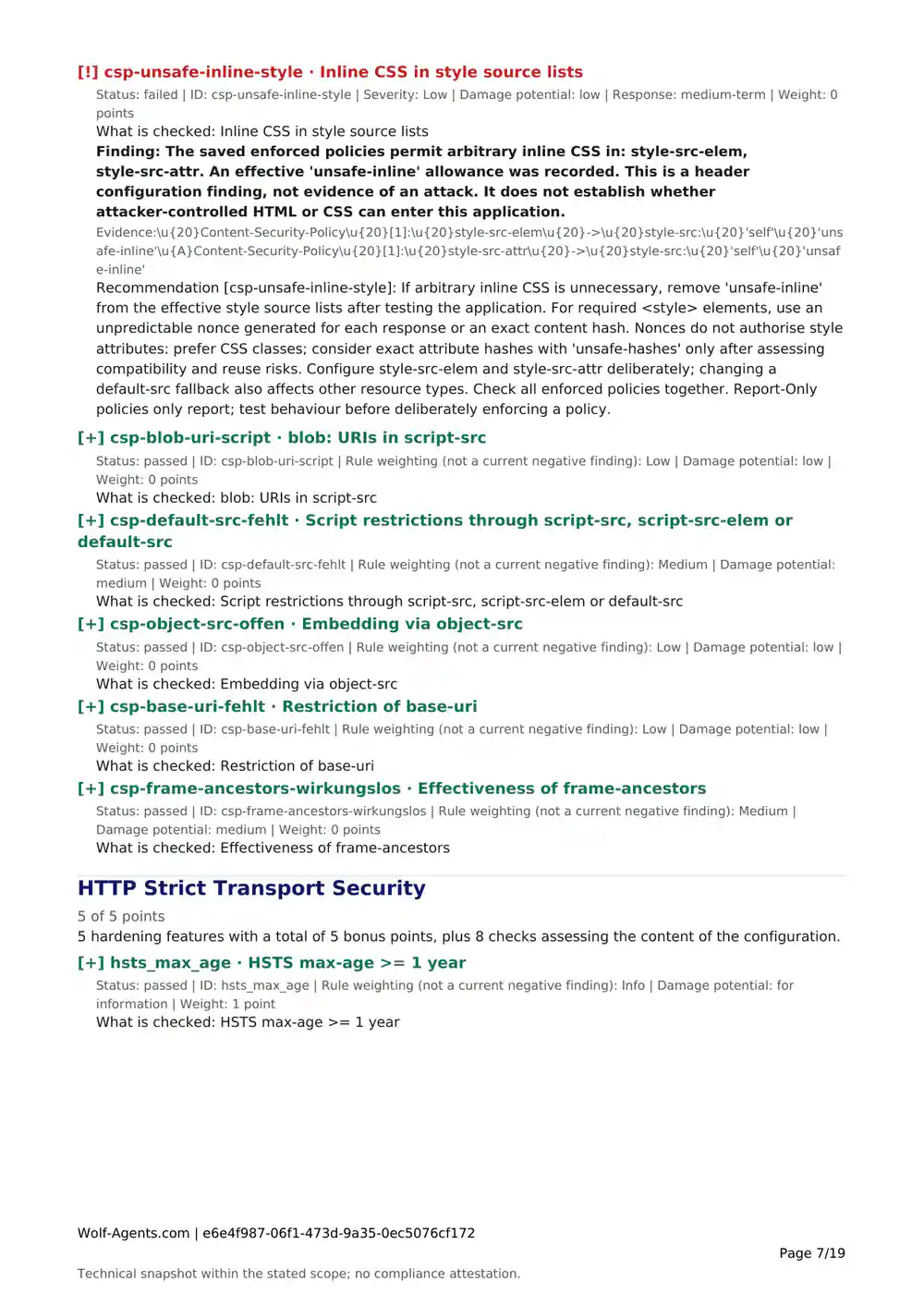
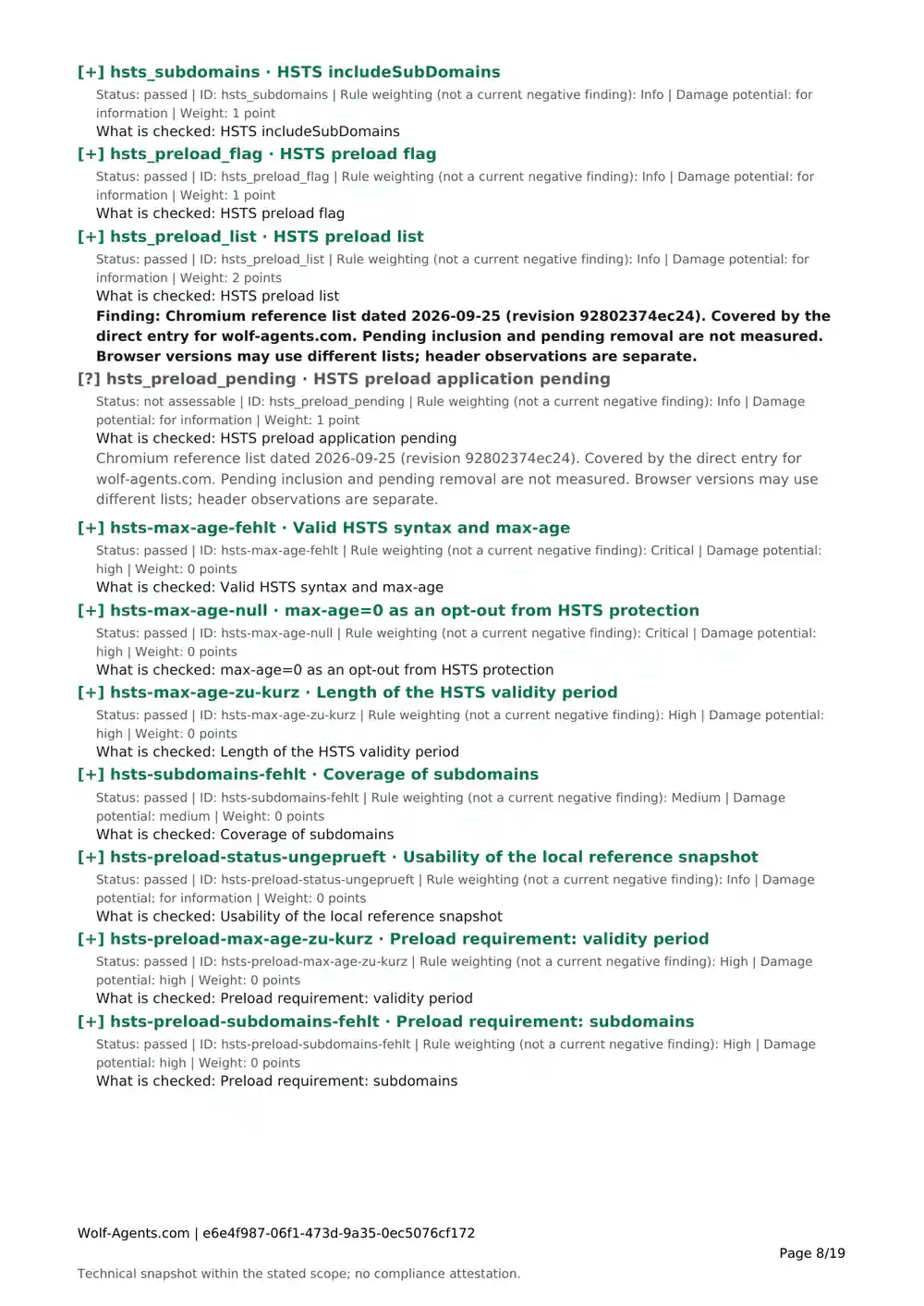
Report beta · Free

Security reports you can share and work with

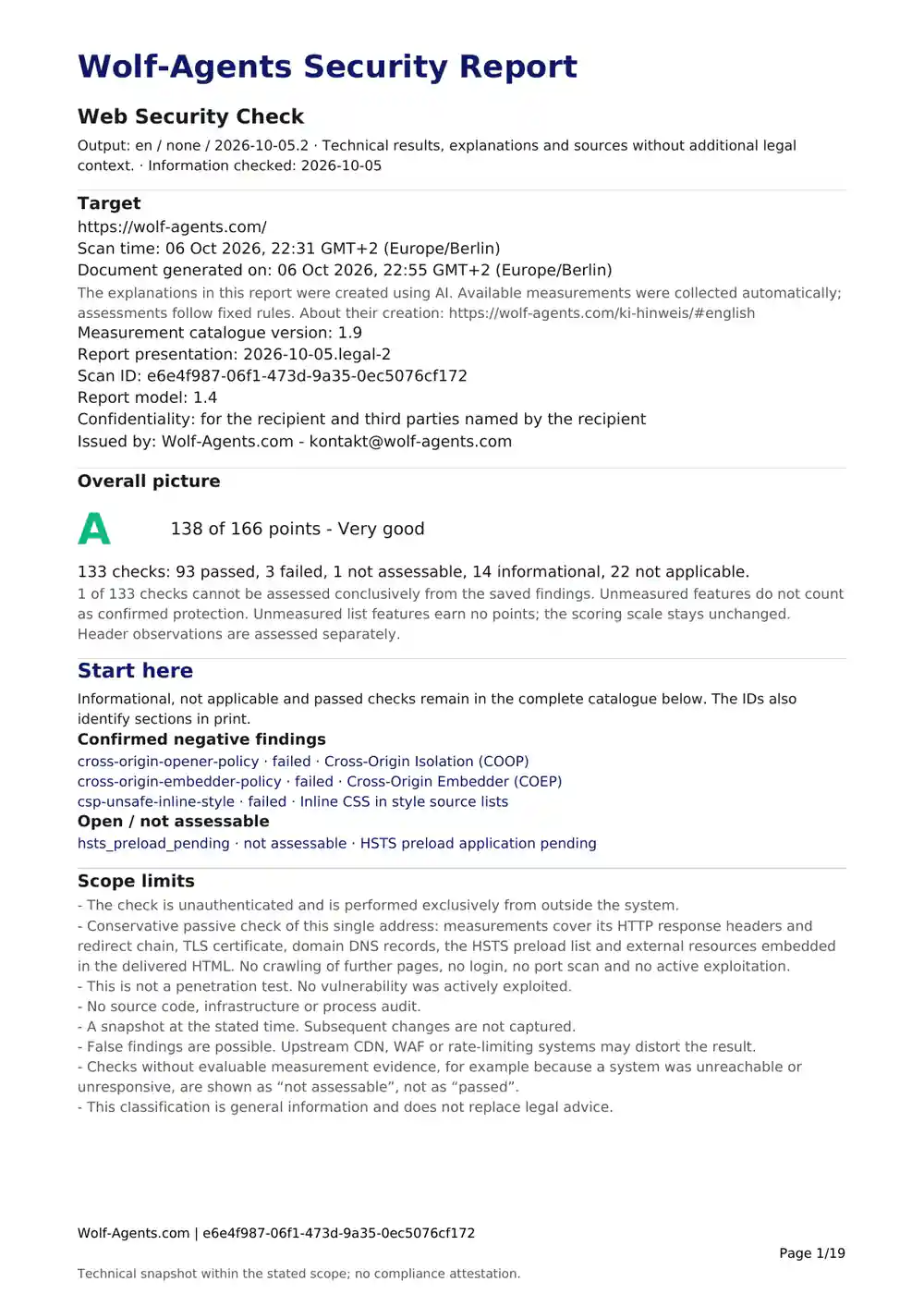
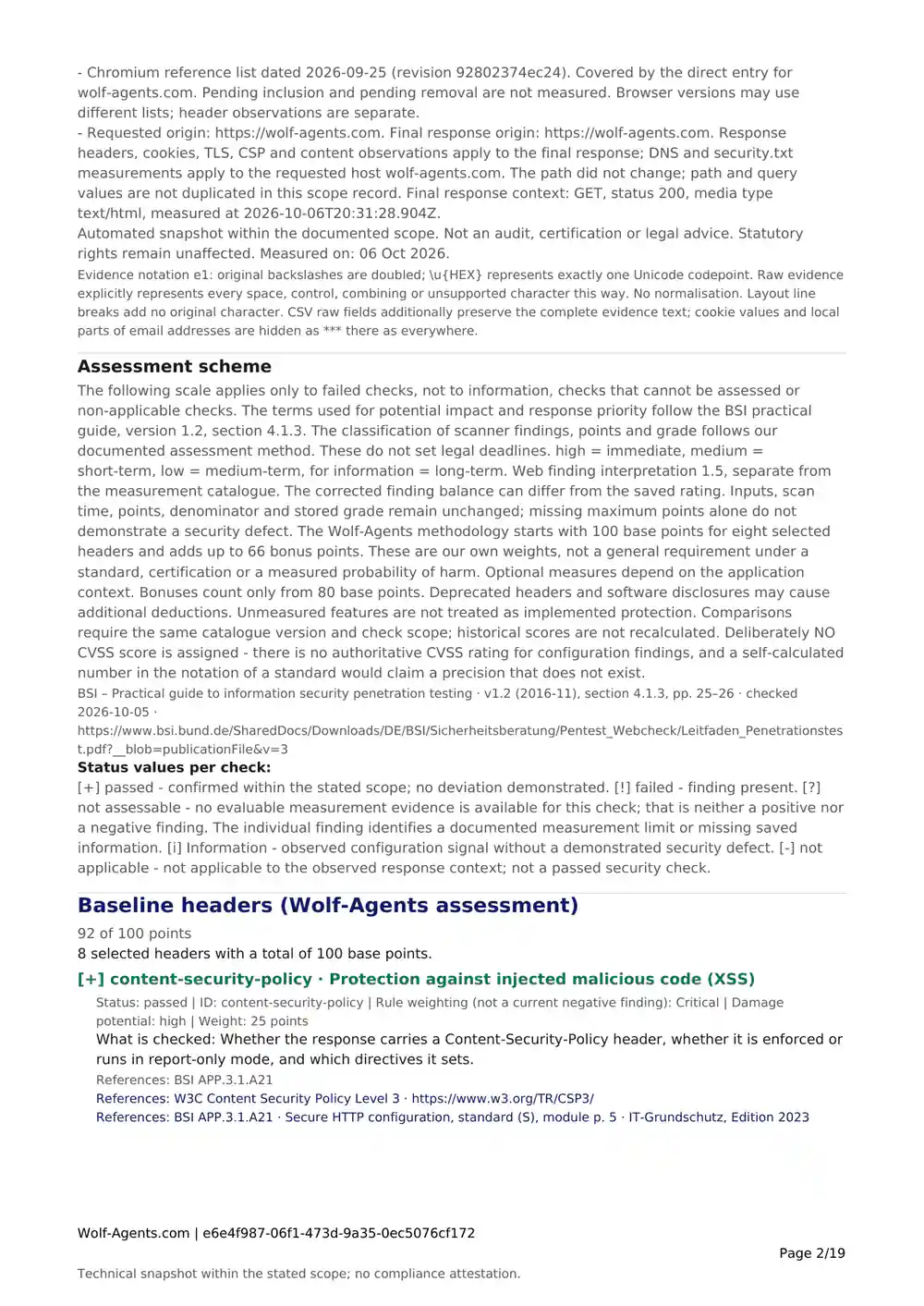
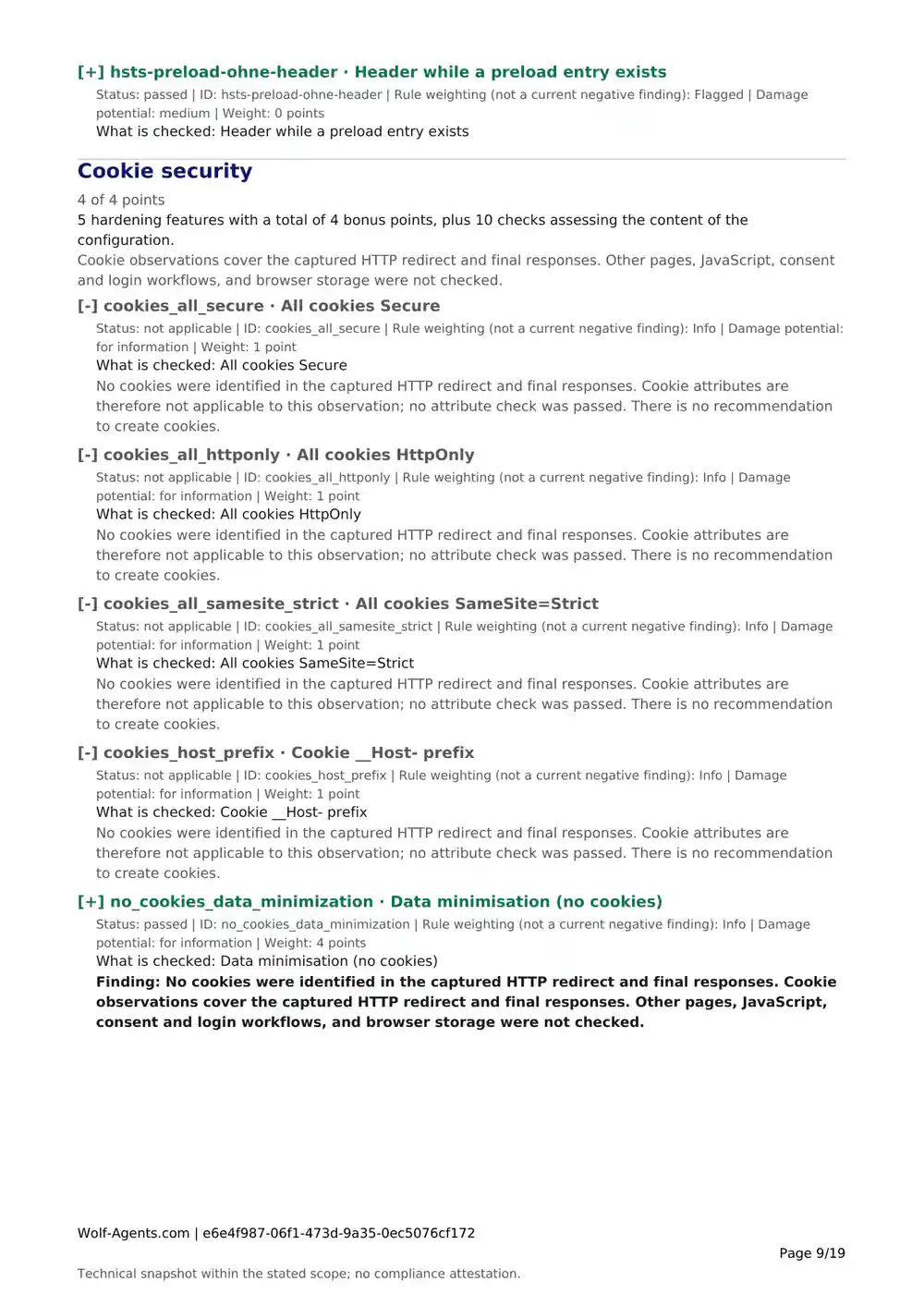
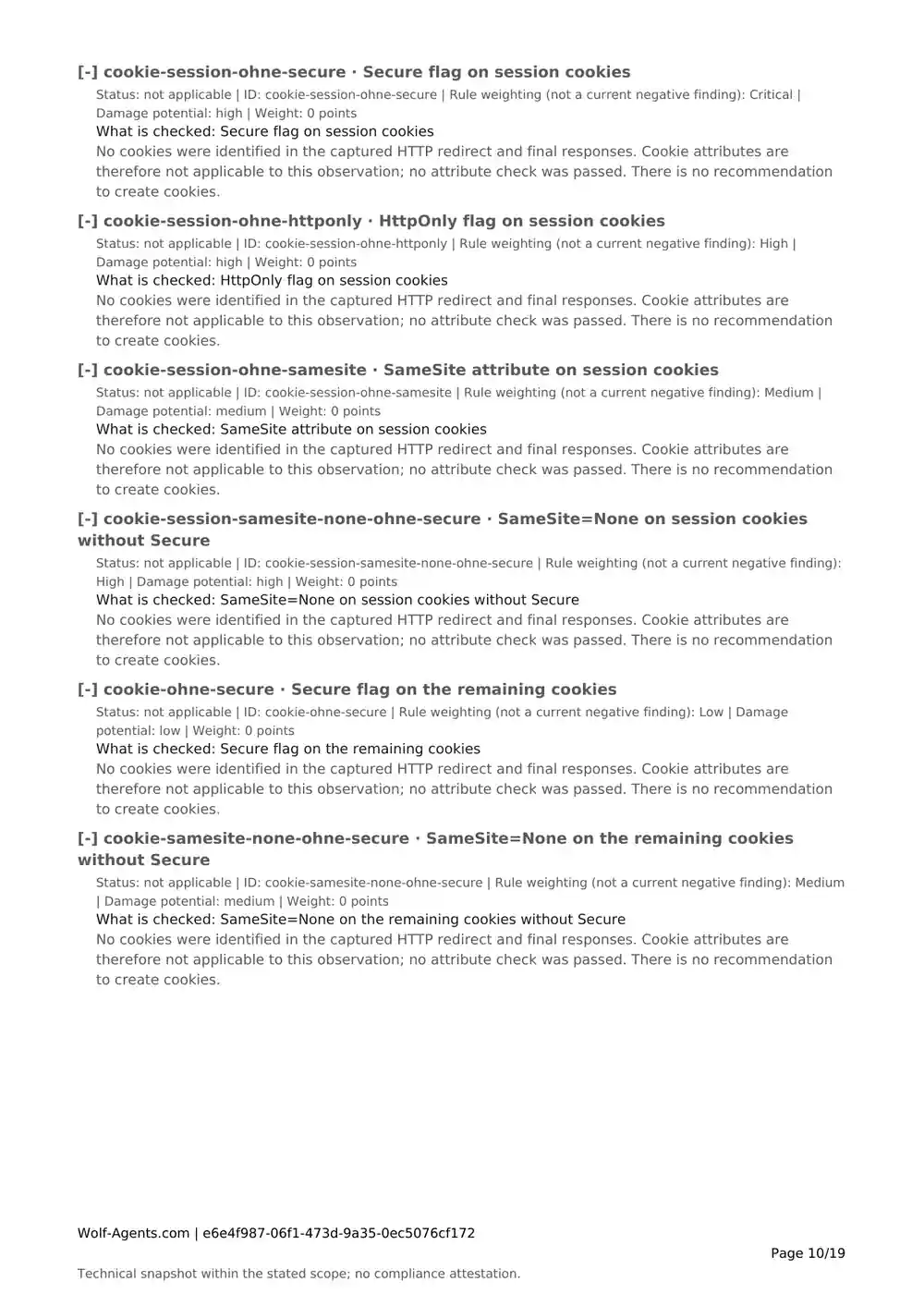
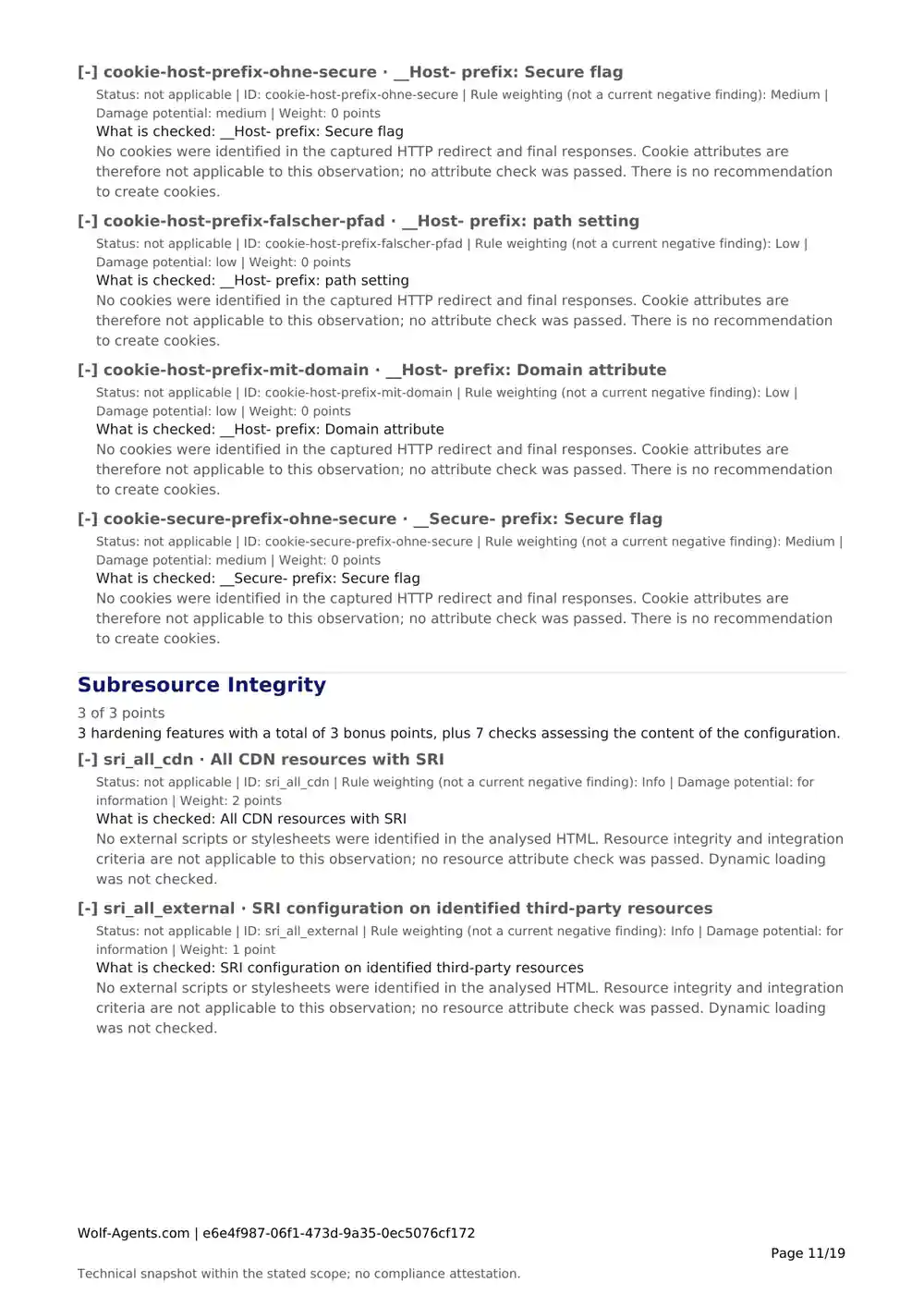
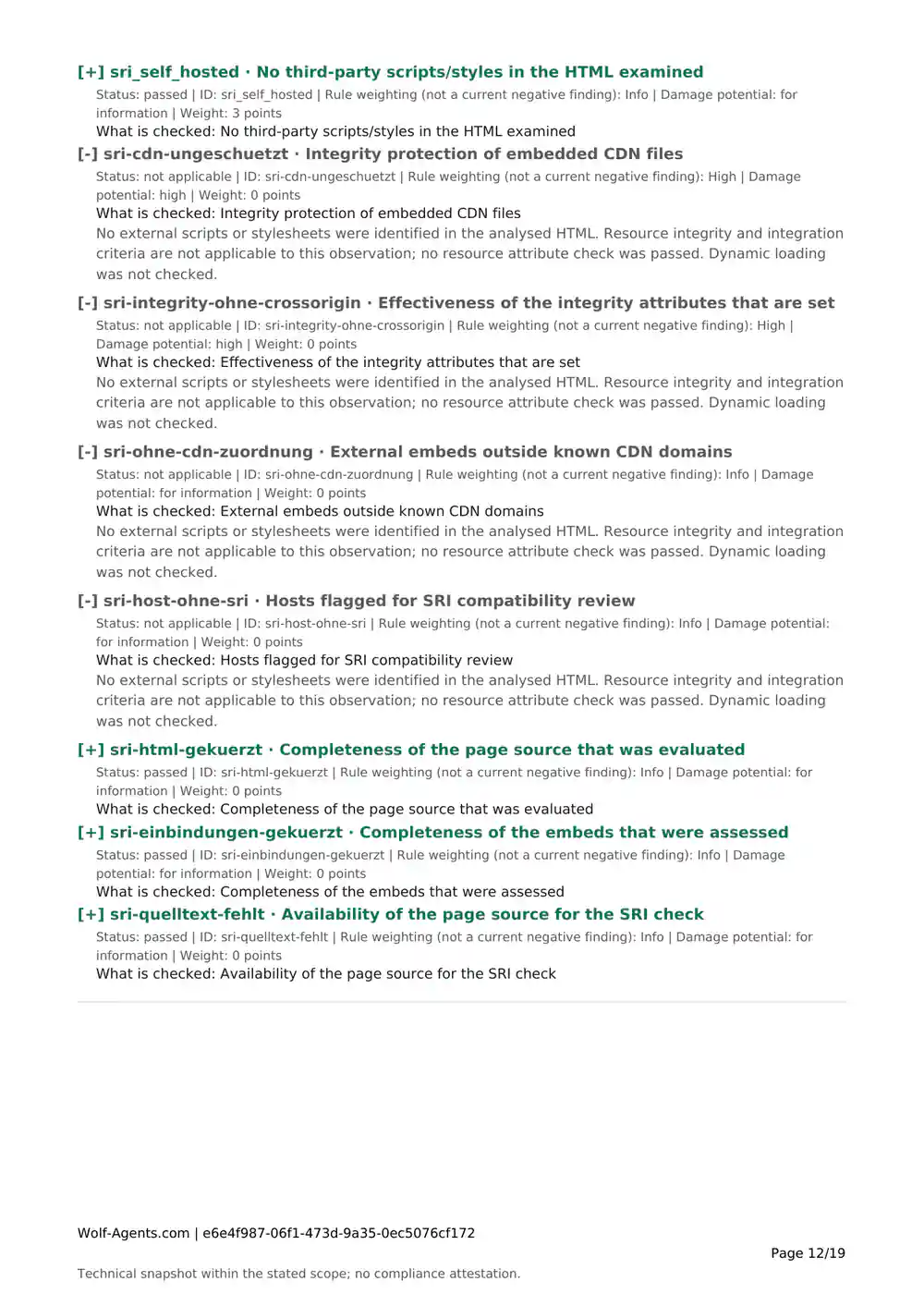
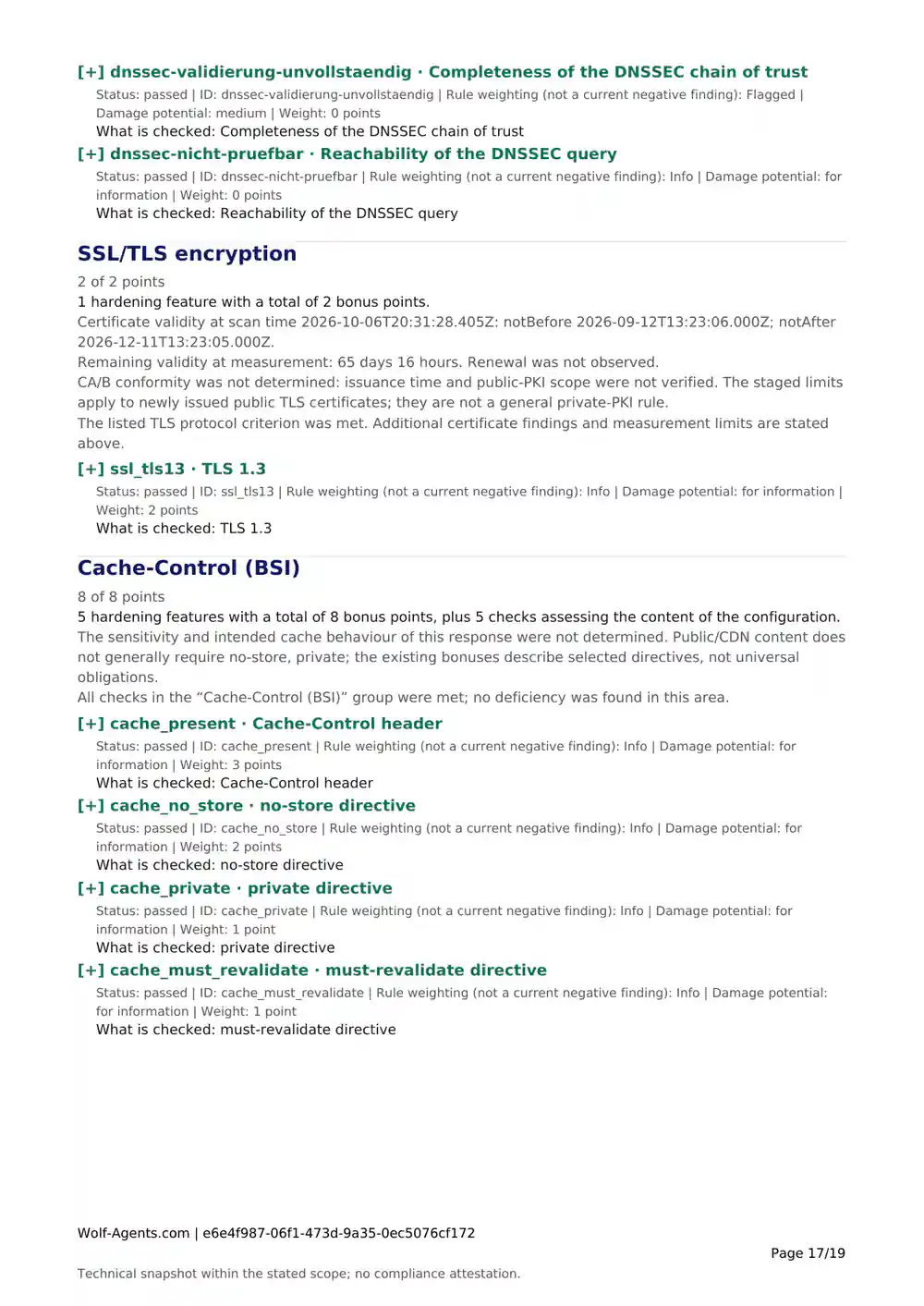
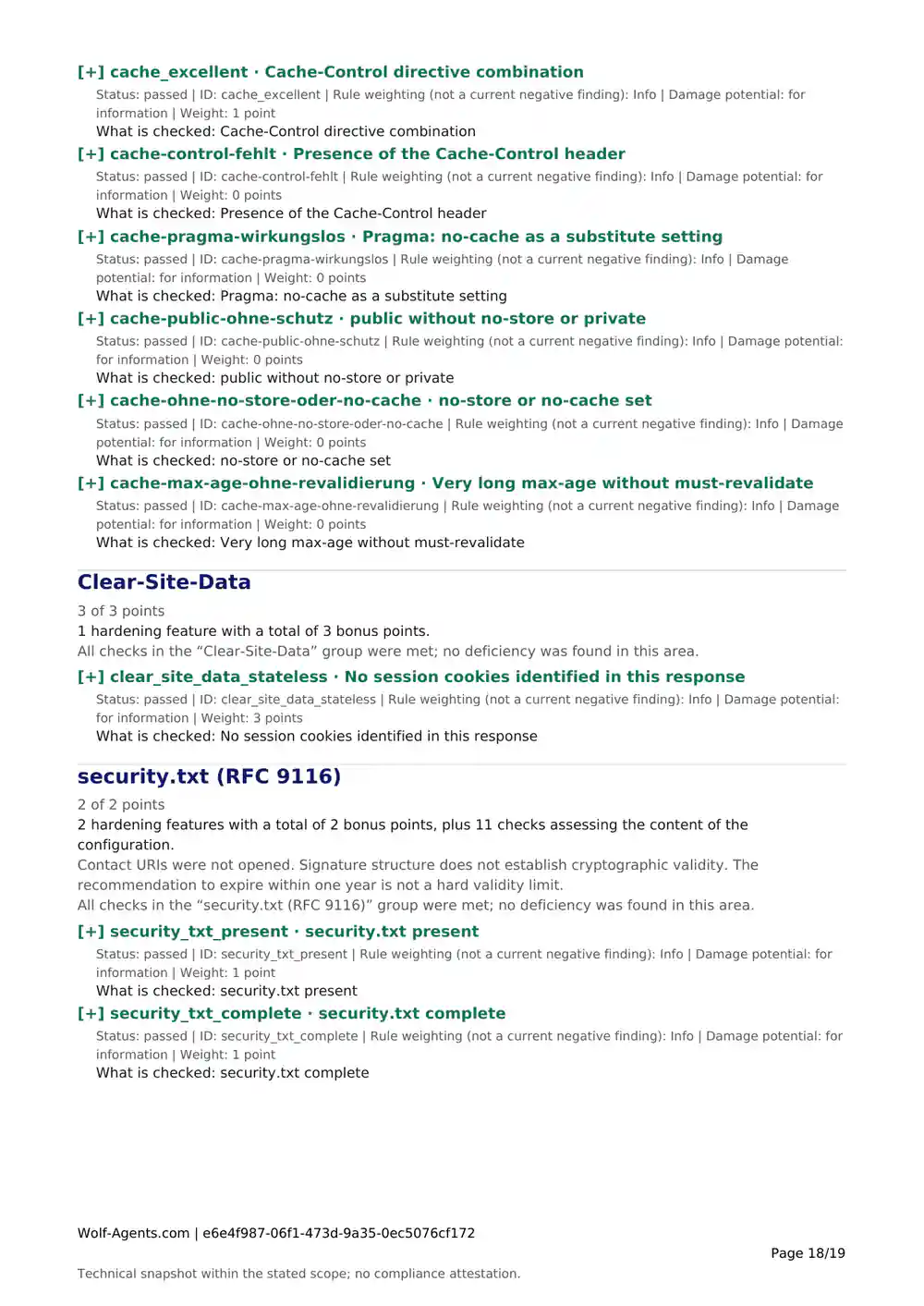
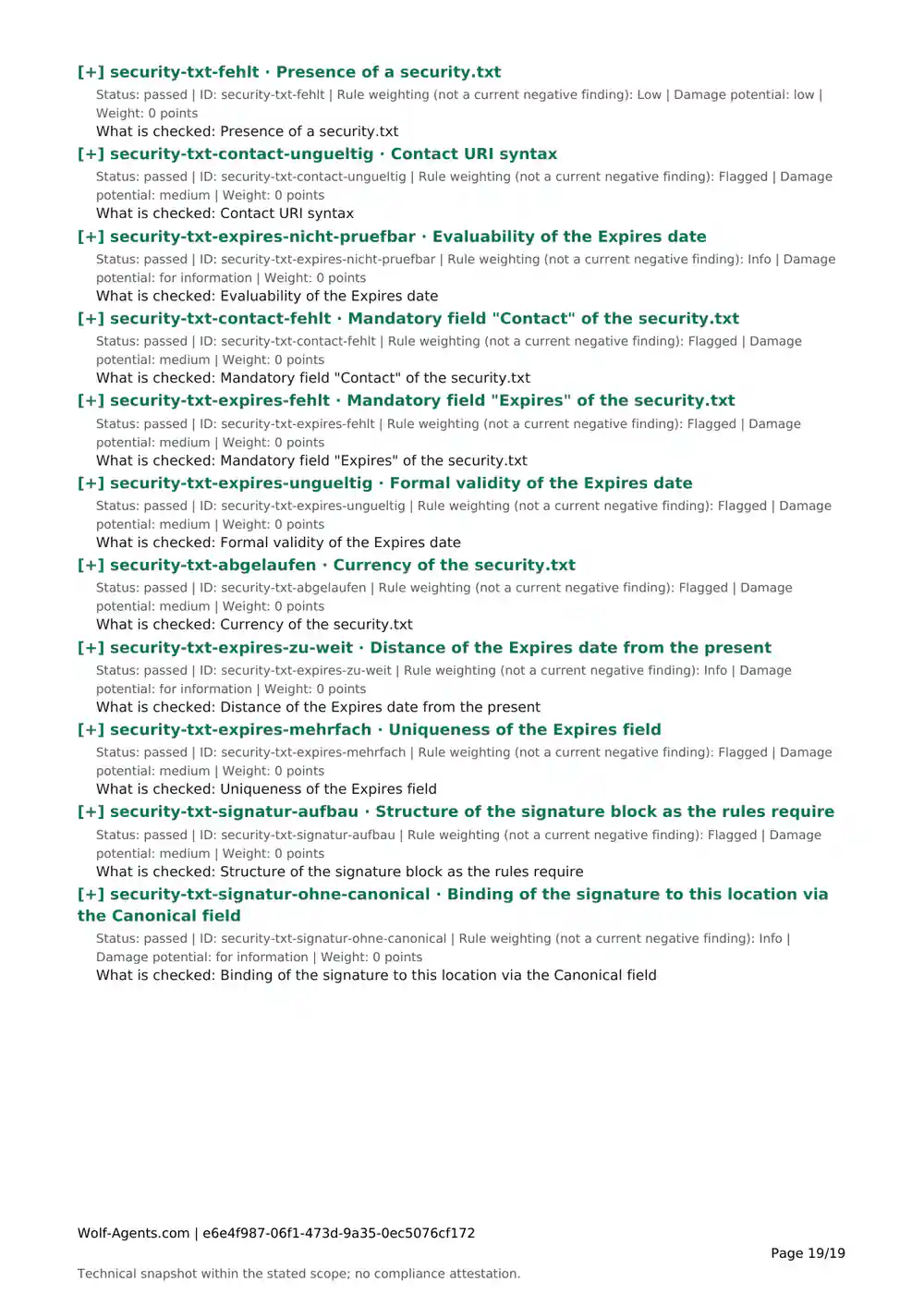
When you need to document or share a result, a grade alone is not enough. A Wolf-Agents report organises the checks, explains findings and shows where measurements are missing. Save a PDF, add your own notes in DOCX or work with the CSV table. The available files are free during the beta.

No Wolf-Agents account or email address required.

What your report contains

Each report covers one scanner, one target and one scan time. A web report does not also include an email scan or an API scan.

What a security report contains and how it helps
IncludedHow it helps
Target, scan time and catalogue versionIdentify what the document refers to
Assessment and measurement-coverage notesUnderstand results and spot unanswered questions
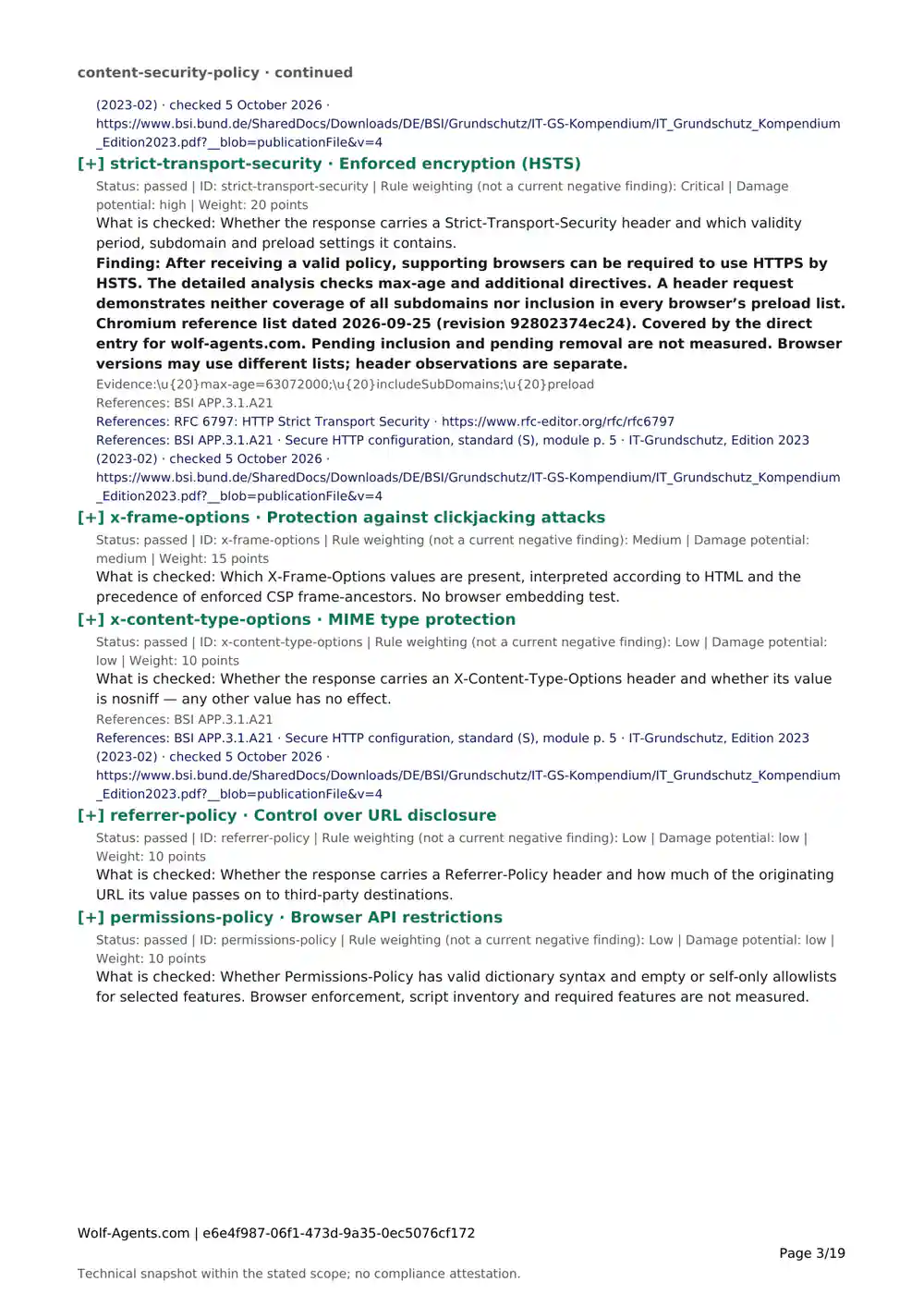
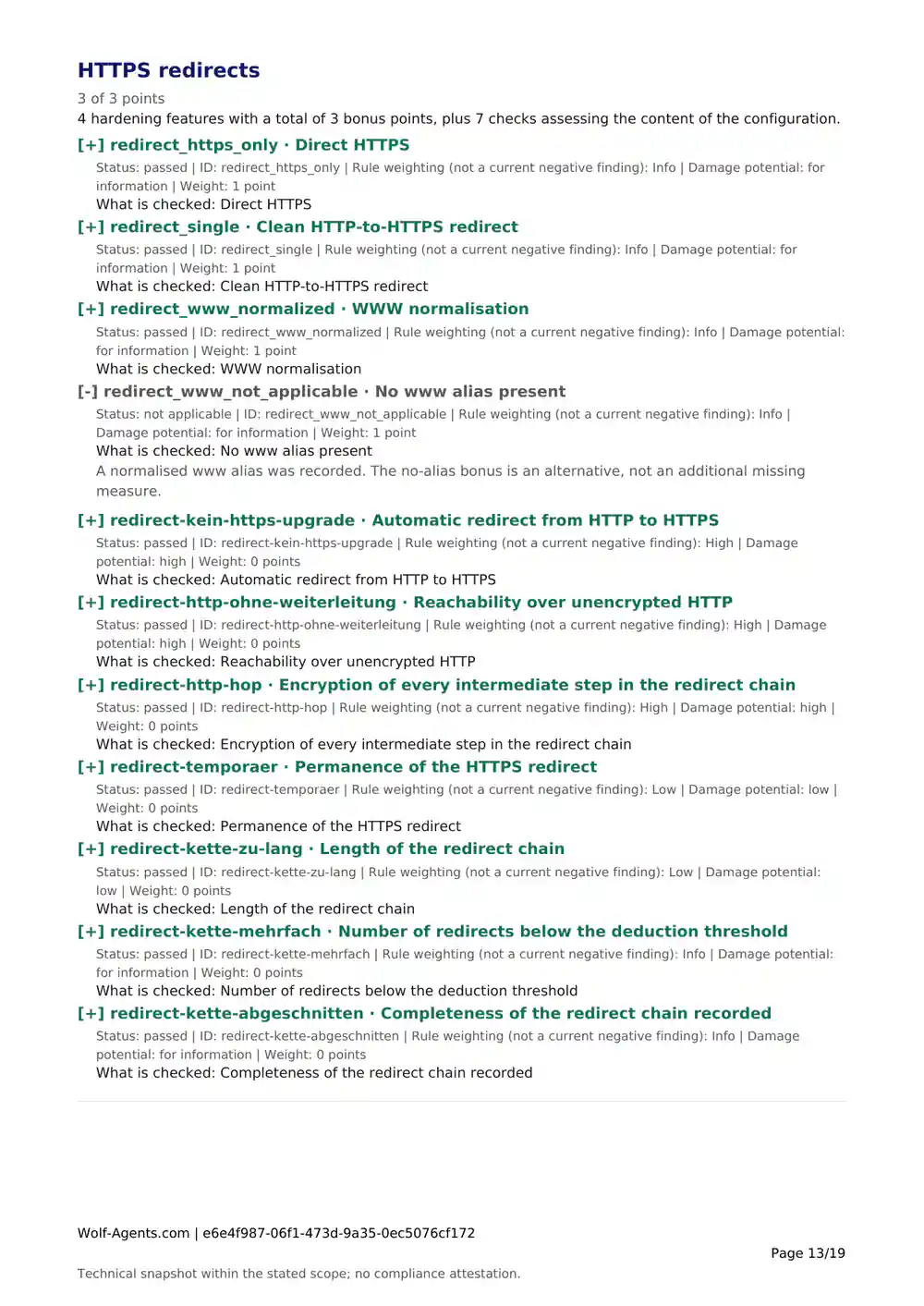
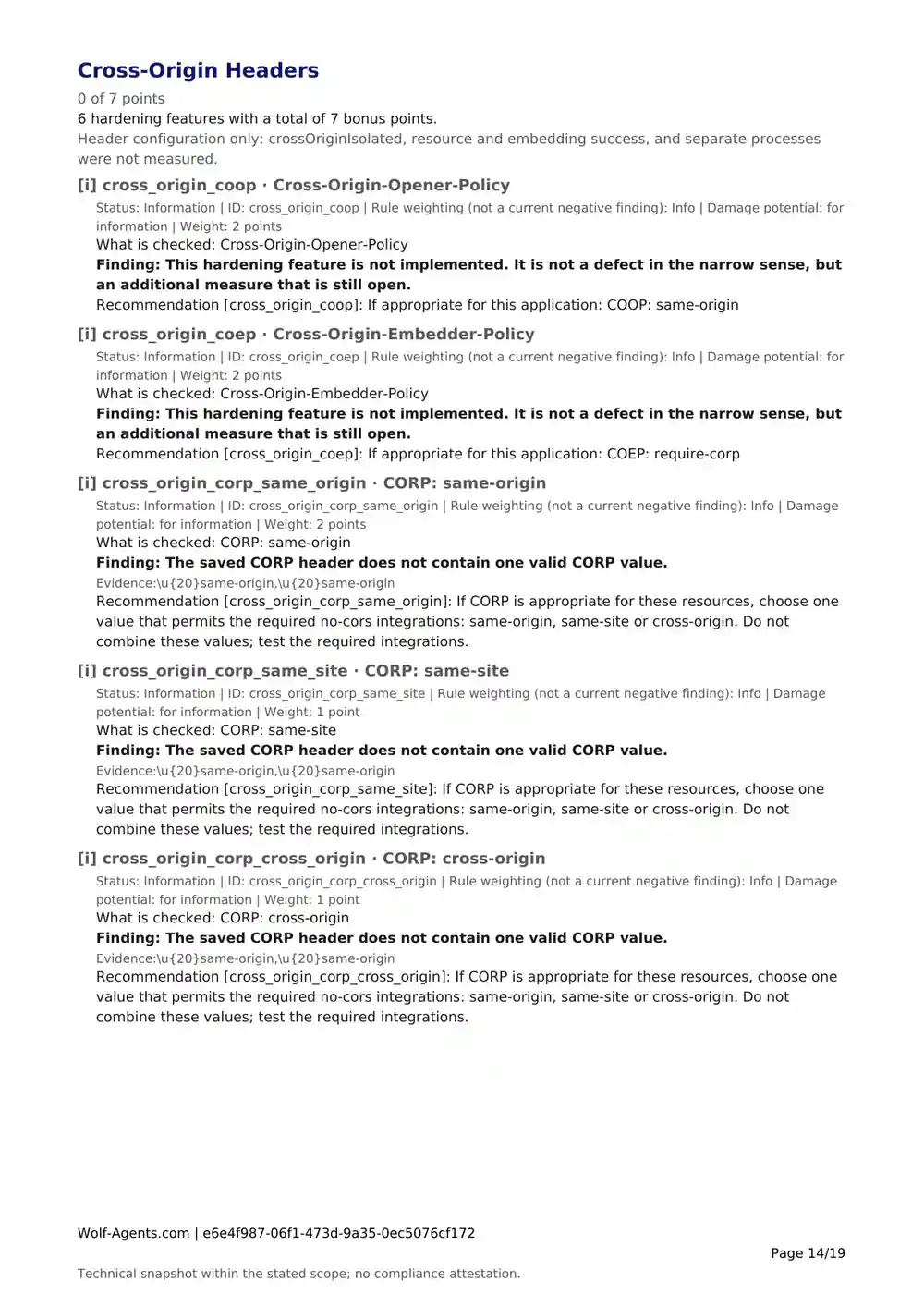
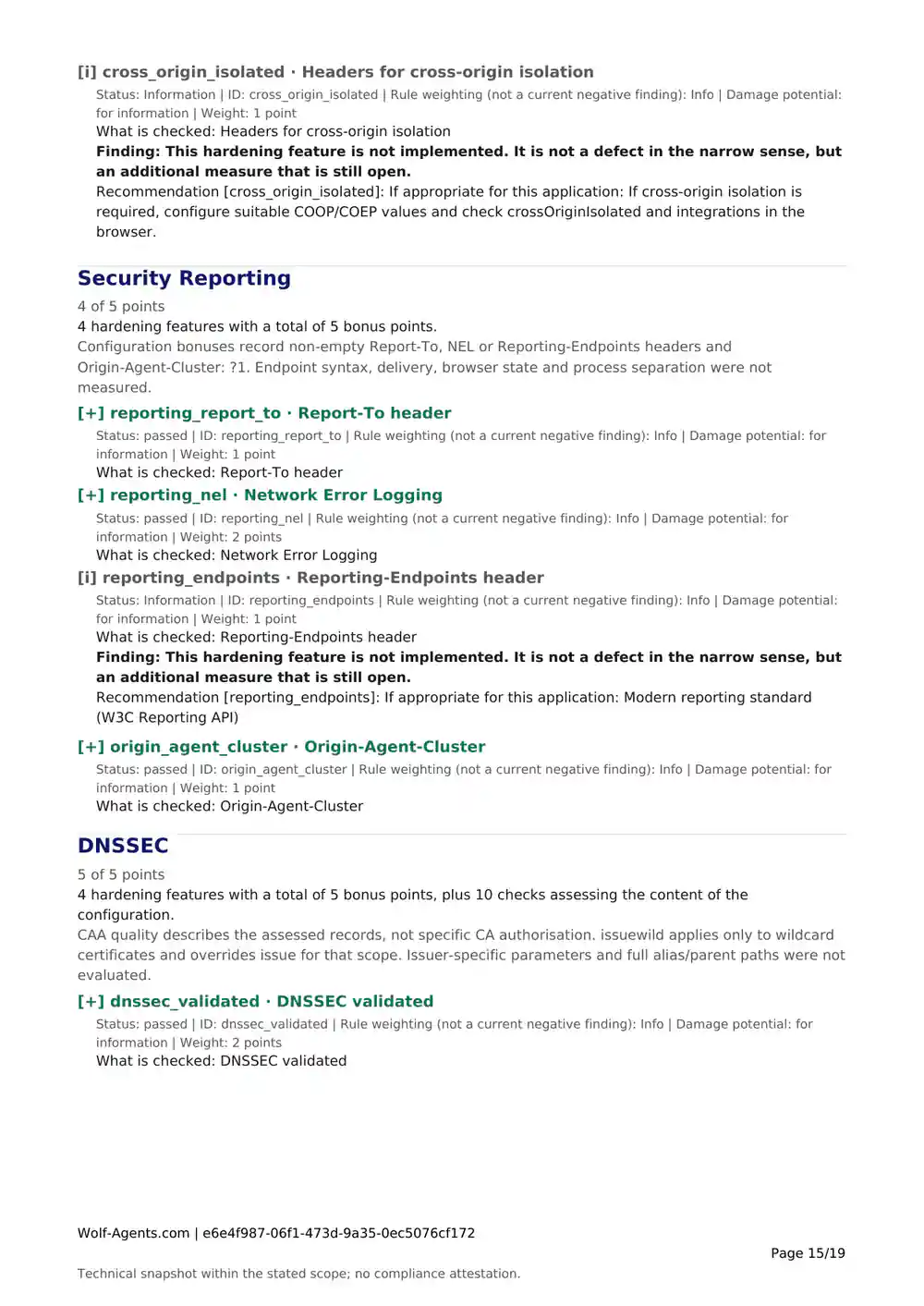
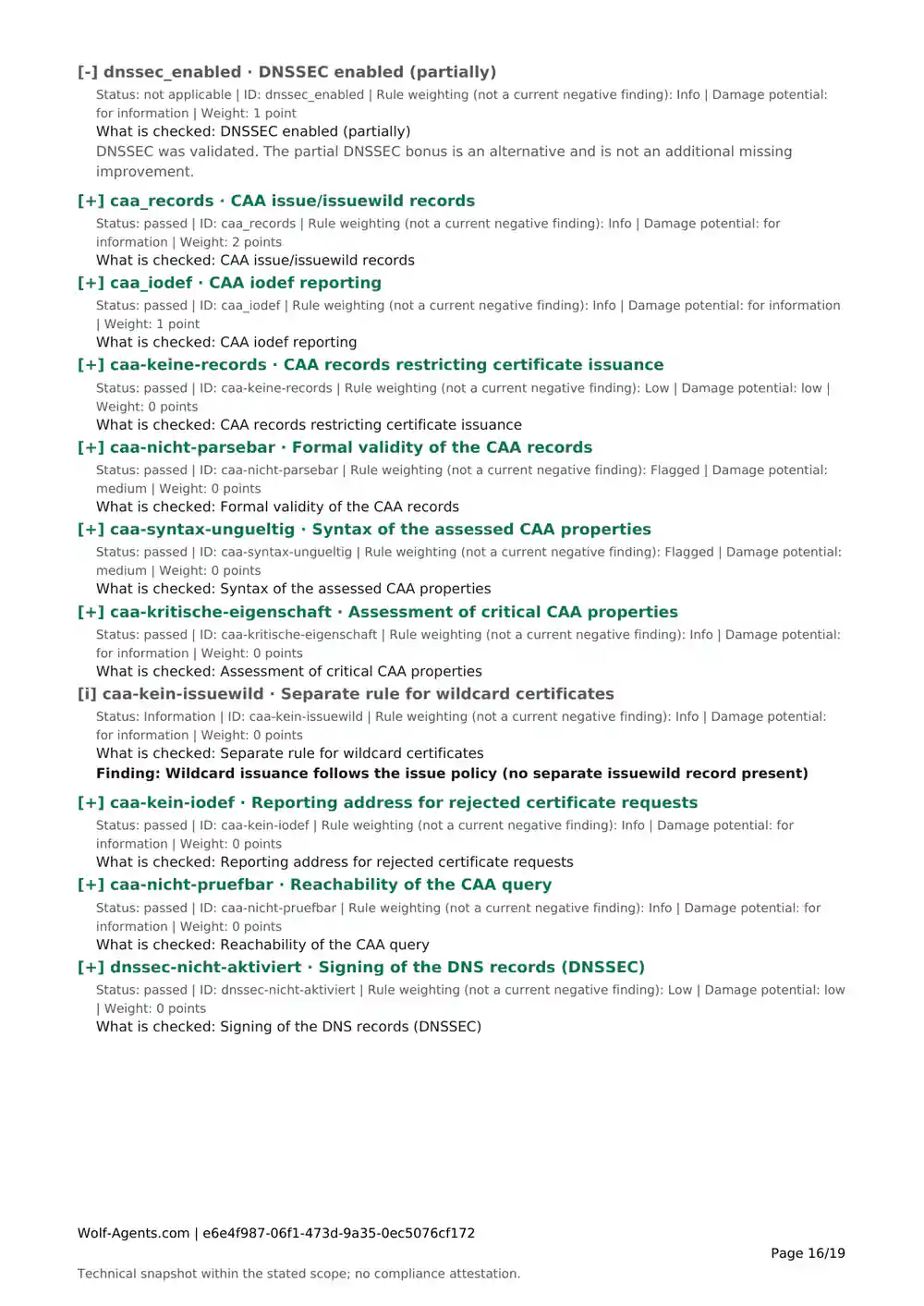
The checks in the relevant report catalogue, including passed and unmeasured checksSee the documented scope
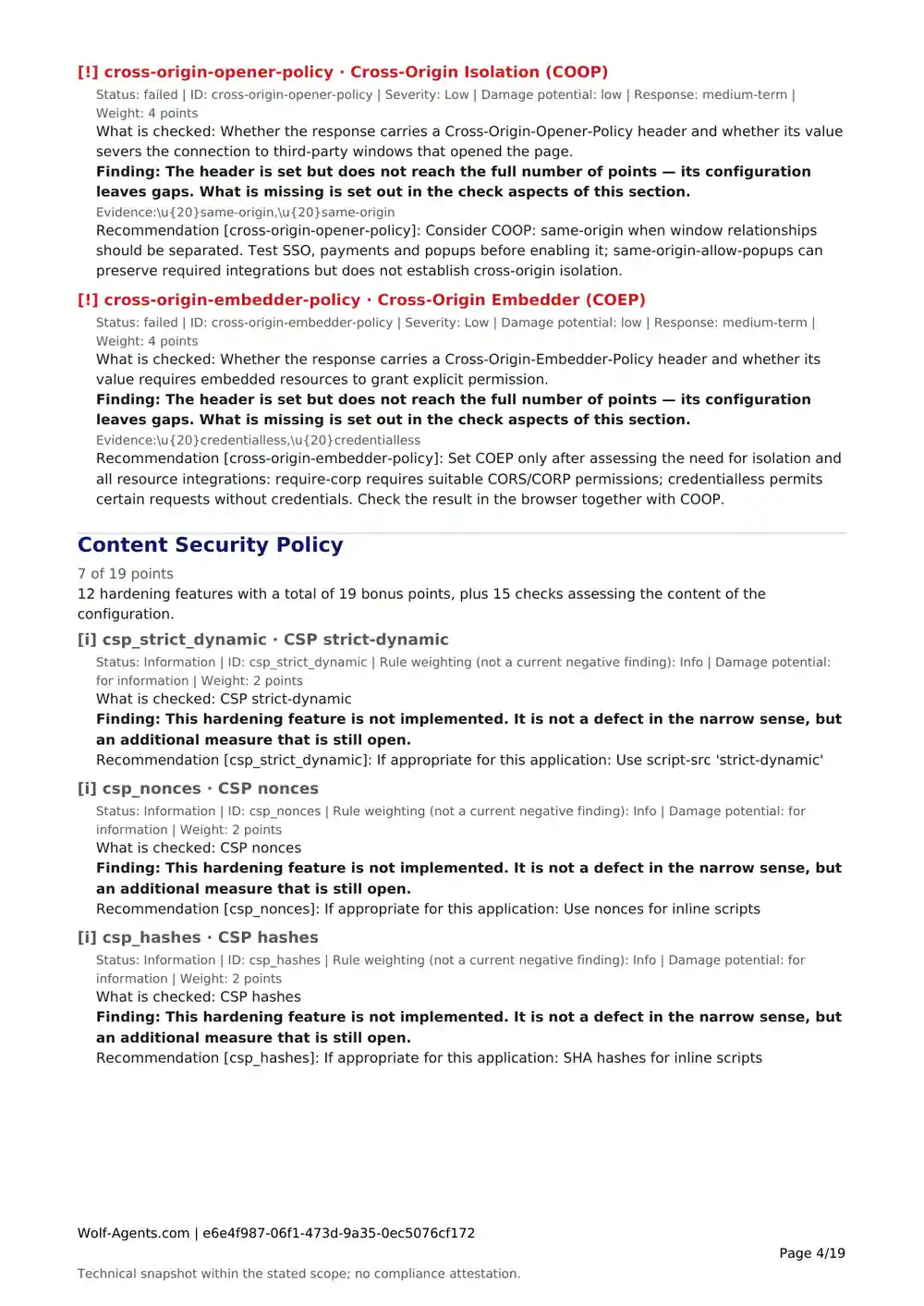
Findings, possible effects and available recommendationsPrepare your own review and next steps
Technical references where provided for a checkConsult the sources yourself
Scope limits and an AI disclosureKeep the result in context when sharing it outside the website

The ratings help you prioritise. You decide how urgent a change is in your environment and who should make it.

How to read a finding

Check: Which setting or signal is being assessed?

Status: Passed, failed or not measured?

Finding: What was observed, and what measurement information is available?

Effect and recommendation: Why might it matter, and what next step is described?

References: Which technical sources are provided?

This is a guide to the report structure. The actual content depends on the scanner and result. Not every check includes a recommendation or raw evidence.

Three formats for different parts of the job

PDF — read and keep

A structured report to save in your records and share as permitted.

DOCX — add your own assessment

The same report as a Word document. Add explanations or the outcome of your own technical review.

CSV — plan tasks yourself

A table of checks and findings. Fill in the owner, due date and implementation status in your spreadsheet application. Wolf-Agents does not automatically track that work.

Choosing another format does not create a new analysis.

Which check does the report document?

  • Web: selected features of the website address you enter, including security headers, redirects, its certificate, domain DNS and delivered HTML.
  • Email: published domain settings and signals from reachable mail servers, including SPF, DKIM keys, DMARC and transport protection.
  • API: HTTP security signals from the endpoint you specify and a limited error probe, including CORS, headers and information exposed in responses.

Email domains that do not send mail also get PDF, DOCX and CSV reports if the result could be stored for download. A separate scope applies to them.

The checks do not log in to the target. They do not examine authenticated areas, user permissions, source code, internal systems or organisational processes. The API check does not search for additional endpoints.

Check a website · Check an email domain · Check API settings

Free during the beta. Individual reports and packs planned.

Now: free report beta

Run a free check and download the available files from the results page. No email address is required during the beta.

Planned: individual report

For a specific scan result you want to document or share. No Wolf-Agents account required.

Planned: five-report pack

Five reports to use as needed by the same buyer or company. Employees can use the pack. Authorised domains or URLs and scan times can vary: document several targets or check again after making changes.

Unused report entitlements cannot be freely transferred to unrelated third parties. Sharing a completed report file under the applicable terms is a separate matter.

Sales are not open yet. No beta end date has been announced.

Choose a free check

How to get your report

  1. Choose the web, email or API check and assess a target you are authorised to check.
  2. Read the results and any notes about measurement coverage.
  3. Download the report files offered on the results page and save them locally.

Sending a copy by email is optional. It does not unlock additional content. Save the files you need locally.

Continue your work with the report

  1. Review the findings and any limits on the measurements.
  2. Add your own assessment and assign tasks to the right people.
  3. Run another check after a change if needed, then save the new report separately. Compare the target, scan time, scope and findings yourself.

Two reports from different times do not make an automatically generated before-and-after analysis. Downloading again does not run a scan or update measurements. Ongoing monitoring and automatic history storage are not part of this offer.

Questions about reports

Why use a report when the results are free to view?

If you only need a quick check, the online result may be enough. The report is for the work that follows: keeping a record, adding explanations and sharing information. It does not promise additional measurements.

Is the report complete?

It lists the checks in the relevant report catalogue, including passed and unmeasured checks. It is not a complete examination of your system. Some measurement details or recommendations may be absent. Read the scope and notes in the document.

What does “not measured” mean?

There is no usable measurement for that check, for example because a connection failed. It is neither a positive nor a negative finding. A high score does not turn that gap into a passed check.

How reliable is the automated rating?

Each scanner has its own assessment model. Web, email and API scores use different models. Protective systems or incomplete responses can limit the results. Review findings and recommendations in the context of your own system.

Does an expert review every report?

Reports are assembled automatically. The explanations were created with AI and have not undergone editorial review. A personal technical assessment of your target is not included. How the reports are created

Can I share files with colleagues or clients?

Use completed files within the applicable terms and your authorisation to perform the check. Make your own additions identifiable and retain the scan time, scope and source information. White-label rights and resale as a standalone product are not included as promised features.

How long can I download the files again?

Save the files you need locally. A download is possible only while the corresponding result remains available. Permanent availability is not promised during the beta. Downloading again does not run a new scan.

Can the report serve as evidence for NIS2?

It can contribute technical information to your documentation. Whether that information meets a particular requirement depends on the required scope. The report does not confirm NIS2 compliance or complete implementation of legal requirements. The linked information about Germany’s implementation (German) remains specific to Germany.

Does “API check” mean I can integrate Wolf-Agents through an API?

Here, API means the endpoint whose settings you are checking. An API for integrating Wolf-Agents is not part of this report offer.